
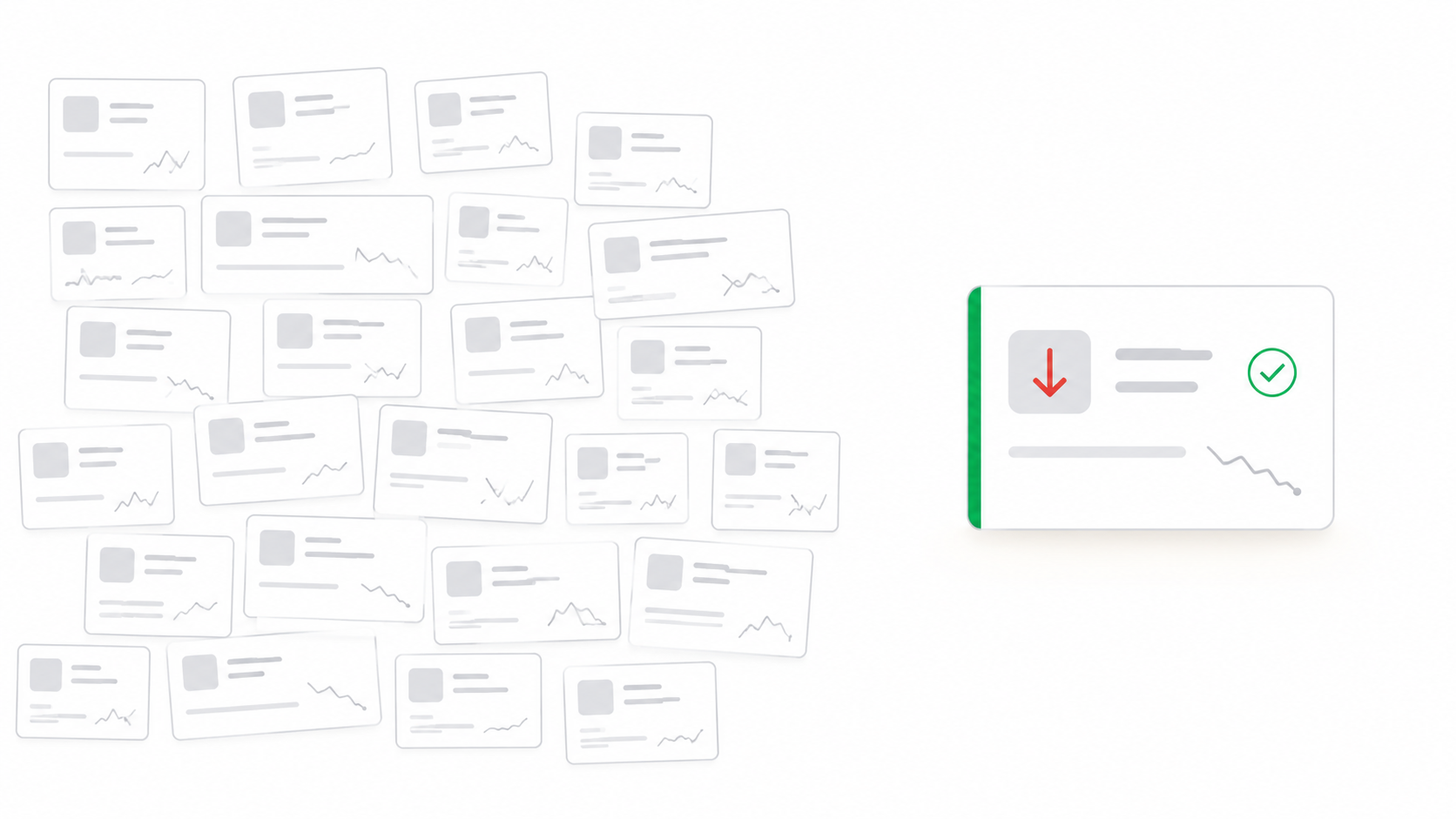
Marcus has 47 accounts. It is the last Tuesday of the quarter. He is finishing a renewal deck for a call in two hours when his VP sends a Slack message: a CTO at one of his accounts just posted on LinkedIn that they are switching vendors. Marcus opens the account in his CRM. Usage dropped 38 percent in January, then 44 percent in February. He had visited that account twice in the past six weeks. He saw the numbers. He did not know what they were telling him until it was too late.
The account was not hidden. The signal was not subtle. The problem was that Marcus had 46 other accounts to look at, two renewals that afternoon, and no system that would have surfaced that specific account, at that specific moment, and told him what it meant.
This is what retention automation is designed to fix. And it is also why most CS teams do not have it yet.
What retention automation actually is
Retention automation is not a replacement for CSMs. It is the infrastructure layer that makes proactive customer success possible at the account ratios most teams actually run.
In practice it handles four things:
Signal aggregation. It pulls data from the tools a CS team already uses: CRM, product analytics, billing, support. It surfaces all of it in one view. Not just one health score that turns red after the damage is done, but a live picture of each account built from every system that touches it.
Alert prioritization. Not every dip in usage means churn. Automation learns from historical patterns: which combinations of signals, at which stage of the customer lifecycle, actually preceded accounts leaving. Those accounts get surfaced first. A single off week is noise. Six weeks of decline plus two open support tickets plus a contact change is a pattern worth acting on now.
Account brief generation. Before every customer call, a CSM should know what happened since the last conversation. Building that context manually takes 20 to 40 minutes per call. Automation assembles it before the CSM opens the account: usage summary, open issues, recent interactions, relevant business context. The CSM reads it, adds judgment, and walks into the conversation ready.
Cadence execution. Not every outreach touch requires a CSM's direct attention. Thirty-day check-ins for healthy accounts, follow-ups after support tickets close, feature announcements for relevant segments. All of this can be templated and triggered automatically. The CSM designs the cadence once. The system runs it. The high-value conversations stay on the calendar where they belong.
Why the signals are there but nobody catches them
The average mid-market CS team runs one CSM per 40 to 80 accounts. Gainsight's 2025 State of Customer Success report found that 71 percent of CS leaders say their teams operate above healthy capacity. That figure has not moved meaningfully in three years.
At 47 accounts, a CSM can maintain meaningful weekly contact with perhaps 10 to 12 customers. The rest enter an informal triage: who is loudest, who is biggest by MRR, who is closest to renewal. The quiet accounts, the ones whose problems develop slowly across weeks of declining engagement, surface only when they become a crisis, which is usually after the decision to leave has already been made.
This is not a discipline problem. It is a math problem. You cannot manually monitor 47 accounts across 30-plus signals each, synthesize what you see, and still have time to run the calls, build the relationships, and do the actual work of customer success. Something has to give. In most teams, it is the early warning system.
Why most CS teams are not using it yet
Retention automation has existed in some form for years. Gainsight, Totango, ChurnZero: the category is not new. So why do most CS teams still run on spreadsheets, manual health score checks, and gut feel?
The complexity barrier
Early CS platforms were built for CS operations teams, not CSMs. Setting up a health score model required data engineering work. Building playbooks required weeks of configuration. The tool that was supposed to give CSMs leverage instead created a new category of administrative work. Many teams bought the software and never fully implemented it.
The integration problem
Most CS teams use four to seven data sources: CRM, product analytics, billing, support, communication tools, financial systems. Pulling those into a single view required custom integrations that took months to build and broke when any source changed. Teams ended up with dashboards that were always slightly out of date and impossible to trust fully.
The adoption problem
Even when the tools worked, CSMs did not always use them. A platform that required a CSM to log in separately, update fields manually, and navigate a complex UI competed with the actual work of talking to customers. The tools that survived were the ones that fit into the existing workflow rather than demanding a new one.
"Preparing MBRs used to take up the entire last week of the month, but now it is down to just 2 minutes per customer. The AI gives us everything we need."
Sridhar Kowtal, Head of Customer Success · LimeChat
What it looks like when it actually works
The teams that have made retention automation work share a few things in common. They started with the data they already had rather than waiting for a perfect integration. They focused on one outcome first, usually early churn detection, rather than trying to automate everything at once. And they picked tools that reduced the CSM's workload rather than adding to it.
RetainSure surfaces the accounts that need attention before the signal goes cold.
Signal aggregation, alert prioritization, and account briefs, built for the CSM's workflow and not around it.
When a CSM starts the week with a prioritized list of accounts that actually need something, not a raw export to sort through, the dynamic shifts. Instead of asking which accounts should I worry about, they are acting on accounts the system has already identified, with context already assembled.
The accounts that were previously invisible, not large enough to prioritize, not loud enough to surface themselves, become visible. Those are often the accounts with the most expansion potential. A mid-market account at 80 percent of license capacity that never received a proactive outreach is a missed expansion conversation, not a missed signal.
Marcus, with the right tooling, would have seen the February usage drop flagged in the first week it appeared. He would have had an account brief assembled before he opened the account. He would have called. The conversation might not have been easy. But it would have happened 60 days earlier, when there was still something to save.
Three questions to ask before buying a retention automation tool
Does it work with the data already sitting in the tools the team uses today, or does it require months of custom integration before it produces anything usable. A tool that needs a data engineering project before it's useful is solving next year's problem, not this quarter's, and a lot of the tools that got shelved unused in the early complexity era failed exactly this test.
Does it reduce the number of steps in a CSM's actual daily workflow, or does it add a new tab they have to remember to open. A tool that lives alongside the CRM instead of inside the CSM's existing routine is competing for attention with the actual work of talking to customers, and attention lost to a separate login is attention a churn signal doesn't get.
Can it be turned on for one outcome first, typically early churn detection, without being forced to configure the entire platform before any of it produces value. Teams that succeeded started narrow and expanded from a working foundation. Teams that tried to automate signal aggregation, prioritization, briefs, and cadence all in the same rollout mostly ended up finishing none of them.